
How to edit an image
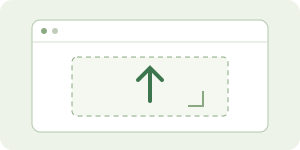
1. Upload or paste
Upload your image, drag it here, or press Ctrl + V. Choose its OCR language, then scan.
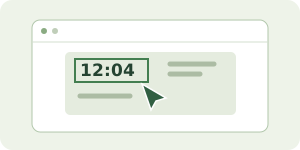
2. Select text or the clock
Click a text box. For the status-bar time, use Edit top clock. Use Draw a text area if OCR misses a line.
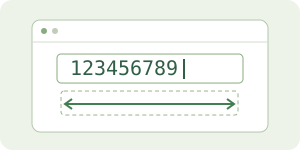
3. Type your changes
Edit in the text field. The box grows with longer numbers. Adjust font, color or size when needed.
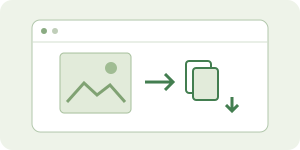
4. Copy, save, then remove
Copy image or Download PNG. Save project to edit later. Remove image clears it for the next picture.
✧ Free OCR — API key မလိုပါ
ပုံတွေကို သင့် browser ထဲမှာပဲ ဖတ်ပါတယ်။ ပထမ scan မှာ engine ဖိုင်တွေ load လုပ်ရန် ခဏစောင့်ပါ။
OCR မတွေ့သည့်စာအတွက် ဘယ်ဘက်မှ Draw a text area ကိုနှိပ်ပြီး စာတစ်ကြောင်းတည်းကို box ဆွဲရွေးပါ။
▧
Your next edit starts here
ပုံတင်ပါ သို့မဟုတ် demo စမ်းကြည့်ပါ။
Visit and activity counts use a random Browser ID and, when signed in, your User ID. Images and text stay in your browser. Do Not Track is respected for usage counts.